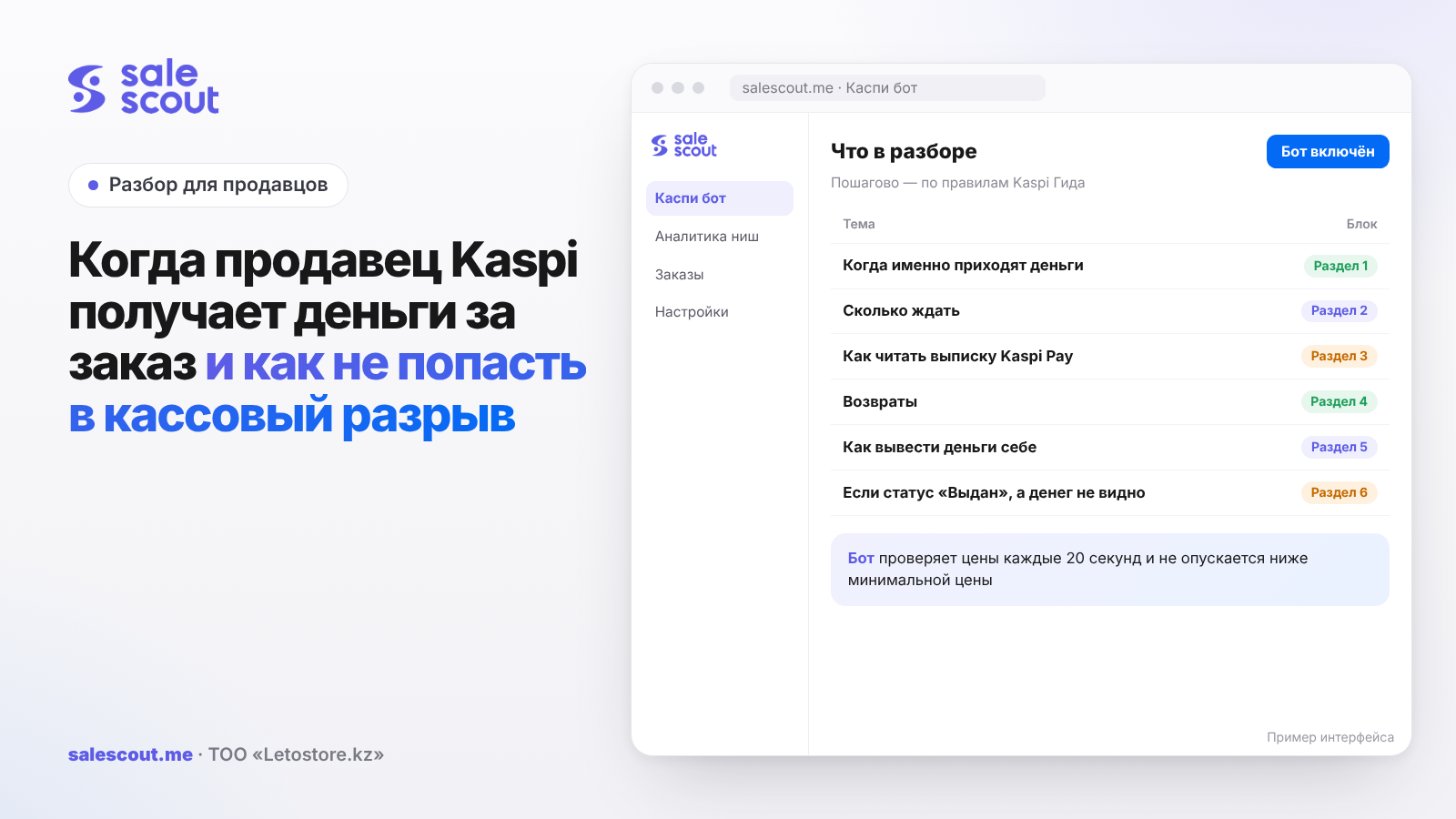
Money for an order in the Kaspi.kz Magazin (Kaspi's marketplace) reaches your Kaspi Pay Account the moment the buyer receives the item and the order moves to «Выдан» ("Issued"). Kaspi deducts its commission straight away, so what lands in the account is already net of it. While the parcel is on its way there is no money, and the farther away the buyer, the longer you are financing your own turnover. Below: what this looks like in the statement, how to withdraw money to yourself and how much working capital to keep for deliveries.
In short
- The buyer paying is not the same as you getting paid. Your account is topped up only after the «Выдан» ("Issued") status.
- Order in transit means no money. That's by design; it's not a glitch or a bank delay.
- In the Kaspi Pay statement, incoming payments and commissions show up as two lump sums, and the per-transaction breakdown is in the app.
- An IP (individual entrepreneur) transfers from the Kaspi Pay Account to their own Kaspi Gold card with no limit, no fee and no tax on the transfer itself.
- Delivery to a district centre takes up to 5–6 days, so working capital has to cover the longest route, not Almaty.
When exactly the money arrives
The Kaspi Guide (Kaspi's official help centre) answers briefly: money arrives in the Kaspi Pay Account, minus commission, after the buyer has received the item. In the cabinet you can see this from the «Выдан» ("Issued") status. Until that mark, the amount sits with Kaspi, even if the buyer paid in the very first minute.
Why the buyer's payment isn't your money yet
The buyer pays Kaspi, not you. Kaspi holds the money until the order has arrived and only then settles with the seller. For the buyer it's protection: if the parcel is lost or the order is cancelled, nothing has to be refunded to them, because the money never went to you.
Where the question "why hasn't the money arrived" comes from
The most common answer in the Guide is this: the item is still in transit and hasn't been issued. Check the status in the cabinet. If it says «Передан на доставку» ("Handed over for delivery") or a similar intermediate status, you're waiting for delivery, not for the bank.
How long to wait: delivery times and your money
Since the money is tied to handover, the time it takes to arrive equals the delivery time plus the time it took you to hand the order in. According to the Kaspi Guide, average Kaspi Delivery times are: within the city, 1 day from handover; to regional cities, two to three days; to district centres, 5–6 days.
Pickup and Express
Pickup from your own warehouse turns into money fastest: the buyer collects the order and the status becomes «Выдан» ("Issued"). Express is also short, but its orders only come within the city. More in the articles warehouse and pickup on Kaspi and Kaspi Express delivery for sellers.
Late hand-ins push the money back
If you are often late handing orders to the drop-off point, Kaspi increases the delivery time for all your orders. That means the money comes later too. How it works is covered in Kaspi Delivery for sellers.
| Route | Delivery time per the Guide | When to expect the money (including a day to hand in) |
|---|---|---|
| Pickup | — | On the day of handover |
| Within the city | 1 day | About 2 days after the order |
| Regional city | two to three days | After 3–4 days |
| District centre | 5–6 days | After 6–7 days |
The money column is our estimate: we added one day to assemble and hand in the order. If you hand in the same day, subtract it.
How to read the Kaspi Pay statement
In the current-account statement, Kaspi Pay shows incoming payments and commissions not per order but as two lump sums. One line is called «Продажи с Kaspi.kz» ("Sales from Kaspi.kz") — that's the payment received. The second is «Оплата услуг за продажи с Kaspi.kz» ("Payment for services for sales from Kaspi.kz"), i.e. the commission.
Where to see each order
The per-transaction breakdown is in the Kaspi Pay app: on the home screen, in the «Продажи за сегодня» ("Today's sales") section, you pick a period and a point of sale. For reconciliation it's easier to export orders from the cabinet and compare them with these two lines once a week. How to do it without an accountant: Kaspi Pay analytics.
Commission and closing documents
The rate depends on the category, and it is broken down in Kaspi commission for sellers. The documents that confirm the commission withheld are described in Kaspi closing documents for sellers.
In-store sales via Kaspi Pay follow a different rule
If you have an offline shop besides the Magazin, don't mix up the two flows. A payment taken through Kaspi Pay in the shop, by QR or by invoice, lands in the Kaspi Pay Account online, after each payment, also minus commission. There's no need to wait for «Выдан» ("Issued") there, because the buyer took the item right away. In the statement both flows merge into the same two lines, so it's hard to tell from the statement alone where the money came from. Look at the breakdown by point of sale in the app.
Returns: when money goes back
If the buyer returned the item and you pressed «Оформить возврат» ("Process return") in the request, the money will be debited from your account within an hour and go to the buyer. Kaspi doesn't wait for new sales to build up a balance in the account, so keep a buffer there for possible returns. The process itself: returns on Kaspi for sellers.
What else is debited from the account
Besides commission, the Kaspi Pay Account pays for advertising in Kaspi, bonuses you give buyers at your own expense, and payments on a Business Loan or Purchase in Instalments if you use them. All of this reduces the amount you can withdraw. On bonuses: seller bonuses on Kaspi.
How to withdraw money to yourself
For an IP, the simplest route is a transfer between your own accounts in the Kaspi Pay app: Transfers → Between your own accounts, Kaspi Pay Account → Kaspi Gold. According to the Guide, such transfers go through for any amount, with no restrictions and always with no fee. There's one condition: the IIN (individual identification number) and phone number in the Kaspi.kz and Kaspi Pay apps must match.
Tax on transferring to yourself
If an IP moves money from the Kaspi Pay Account to their own Kaspi Gold card, there's no separate tax on the transfer itself: you already pay tax on the business income. A transfer to someone else's Kaspi Gold is a different matter. If it's income for them, a salary for example, you'll have to withhold 10% personal income tax and social contributions. How to pay staff properly: paying staff via Kaspi Pay.
If you're a TOO
A TOO (limited liability partnership) has no transfers to Kaspi Gold: the Guide says plainly that such transfers are only available to an IP. Company money is withdrawn by transfer to a counterparty's account at another bank or used inside the business. The difference between the two forms is described in IP or TOO for selling on Kaspi.
Interest on the balance
No interest is paid on the balance of the Kaspi Pay Account. Kaspi only pays it on deposits. If a reserve is building up in the account, you can keep it on deposit — more in Kaspi Pay deposit for business.
If the status is «Выдан» ("Issued") but you can't see the money
First, check where you're looking. The statement has no separate line for each order; there's a lump sum «Продажи с Kaspi.kz» ("Sales from Kaspi.kz") for the period. Open the «Продажи за сегодня» ("Today's sales") section in the Kaspi Pay app, choose the date and the point of sale: every transaction is visible there.
Then check the debits for the same day. A return on another order, yesterday's advertising or a loan payment could have eaten the incoming amount, so the account balance barely changed. If you still can't find the order after that, write to the Kaspi Guide chat with the order number.
A weekly money calendar
It's easy to run on the feeling that "there seems to be plenty of money" until the supplier's invoice arrives. A simple weekly table removes that surprise. It has four columns: date, expected incoming payments for orders in transit, planned payments (supplier, advertising, salaries, taxes) and the end-of-day balance.
Take expected payments from the cabinet: spread orders with delivery statuses across dates according to the route. Put city orders on tomorrow or the day after, regional ones three to four days out, district ones a week out. Enter planned payments in advance, especially taxes: for deadlines see IP taxes on Kaspi in 2026.
If the balance goes negative on some day, you have time to do something: postpone a purchase, negotiate with the supplier or hold back on advertising. Without such a table you find out about the gap on the day when there's nothing left to pay with.
The math: how much working capital to keep for deliveries
A cash gap in the Magazin comes not from losses but from timing: you paid the supplier for the goods today, and the money for them comes back in a week. To avoid running out of money for the next purchase, work out how much revenue is in transit at any one time.
Money in transit = revenue per day × average days until «Выдан» ("Issued")
Hypothetical example, not a client case. A store sells 150,000 ₸ a day. Half the orders are within the city, a little over a third go to regional cities, and the rest to district centres.
| Route | Share of orders | Days until «Выдан» | Weighted |
|---|---|---|---|
| Within the city | 50% | 2 | 1.00 |
| Regional cities | 35% | 4 | 1.40 |
| District centres | 15% | 7 | 1.05 |
| Total | 100% | — | 3.45 days |
150,000 × 3.45 = 517,500 ₸. That much revenue is constantly travelling to buyers and hasn't yet become your money. If the supplier demands prepayment for the next batch, you need that sum on top. Add a buffer for returns, which are debited within an hour, and for advertising, which is debited from the account daily.
Sales peaks: Kaspi Жұма and holidays
During a sale, money in transit grows along with orders. If on a normal day you have 150,000 ₸ of revenue and during a promotion three times as much, then by the same formula about 1.5 million ₸ will be in transit. You pay for stock for the promotion before it starts, and the money for what you sold only comes back a few days after. That's why working capital for a peak is calculated separately, not from the monthly average. Preparing for the promotion is covered in Kaspi Жұма for sellers.
How to shrink the gap
- Hand orders to the drop-off point on the day of the order, not the next day.
- Raise the share of pickup and Express in the city: these orders turn into money fastest.
- Negotiate deferred payment with your supplier or look at Kaspi Pay Purchase in Instalments.
- For one-off peaks, for example before Kaspi Жұма, compare with a Kaspi Business Loan.
- Don't freeze money in goods that sit for months: on stock, see stock levels on Kaspi.
Common mistakes with money on Kaspi
- Treating the buyer's payment as your money and spending it before the «Выдан» ("Issued") status.
- Planning purchases from the revenue shown in the cabinet rather than actual payments into the account.
- Emptying the Kaspi Pay Account with a transfer to Kaspi Gold and forgetting that a return is debited within an hour.
- Paying salaries to an employee's Kaspi Gold without personal income tax and social contributions.
- Reconciling the statement line by line and not finding orders, although it only has two lump sums.
- Being late with hand-ins to the drop-off point and being surprised that the money now comes later.
- Keeping a reserve in the Kaspi Pay Account, where nothing is paid on it.
Checklist: getting paid for orders on Kaspi
- You know how much revenue is in transit right now and recalculate it once a week.
- Your purchasing accounts for the longest route — district centres.
- A buffer for returns and advertising debits stays in the account.
- The phone number and IIN in Kaspi.kz and Kaspi Pay match, and transfers to Kaspi Gold work.
- Staff salaries are paid with taxes withheld.
- The statement is reconciled with the order export on the two lines.
- Orders are handed to the drop-off point on the day of the order.
- Spare reserve sits on deposit, not in the current account.
How to automate prices and avoid selling at a loss
Fast money is pointless if every sale goes negative after commission. The SaleScout Kaspi bot checks prices every 20 seconds, keeps you at the top of the product card (the single shared listing where all sellers of an item compete) and never drops below the minimum price you set. When a competitor raises their price or leaves the card, the bot raises your price to just below the next seller. The bot also works with Halyk Market. You can try the bot free for 7 days, no card required.
Frequently asked questions about getting paid for orders on Kaspi
When does the money for an order arrive on Kaspi?
After the buyer has received the item and the order has moved to the «Выдан» ("Issued") status. The amount lands in the Kaspi Pay Account already net of commission.
Why hasn't the money for an order arrived?
Most often the order is still in transit. Check the status in the cabinet: until it says «Выдан» ("Issued"), there will be no money in the account.
How many days do you wait for money with Kaspi Delivery?
As long as the parcel travels, plus the time to hand it in. According to the Guide, delivery takes 1 day within the city, two to three days to regional cities and 5–6 days to district centres.
How do I transfer money from Kaspi Pay to Kaspi Gold?
In the Kaspi Pay app: Transfers → Between your own accounts. For an IP such a transfer has no limit and no fee, provided the IIN and phone number in the two apps match.
Do I pay tax when transferring to my own Kaspi Gold?
No, an IP pays no separate tax on a transfer to themselves. Tax is charged on business income, not on a transfer between your own accounts.
Can a TOO withdraw money to Kaspi Gold?
No, according to the Guide such transfers are only available to an IP. A company transfers money to a counterparty's account at another bank.
What happens to the money when an item is returned?
As soon as you press «Оформить возврат» ("Process return"), the amount is debited from your account within an hour and goes to the buyer. So keep a buffer in the account.
Sources
- Kaspi Guide. «Когда я получу деньги за продажи» (When will I get the money for sales) — https://guide.kaspi.kz/partner/ru/shop/returns/q1346 (updated Mar 27, 2026)
- Kaspi Guide. «Почему не поступили деньги за продажу» (Why the money for a sale hasn't arrived) — https://guide.kaspi.kz/partner/ru/shop/returns/q2294 (updated Mar 27, 2026)
- Kaspi Guide. «Как зачисляются деньги от продаж с Kaspi Pay» (How money from Kaspi Pay sales is credited) — https://guide.kaspi.kz/partner/ru/app/returns/q2205 (updated Mar 13, 2025)
- Kaspi Guide. «Сроки Kaspi Доставки» (Kaspi Delivery times) — https://guide.kaspi.kz/partner/ru/shop/delivery/shipping/q2291 (updated Jul 31, 2024)
- Kaspi Guide. Refunding the buyer — https://guide.kaspi.kz/partner/ru/shop/refund/q2804 and https://guide.kaspi.kz/partner/ru/shop/refund/q2805 (updated May 17, 2023)
- Kaspi Guide. Transfers between your own accounts for an IP — https://guide.kaspi.kz/partner/ru/account/recharge/q2099 (updated May 5, 2025); for a TOO — https://guide.kaspi.kz/partner/ru/account/recharge/q2977 (updated Jun 24, 2024)
- Kaspi Guide. Tax on a transfer to your own Kaspi Gold — https://guide.kaspi.kz/partner/ru/tax/legal_issues/entrepreneurs/q3115 (updated Feb 12, 2024); to another person's Kaspi Gold — https://guide.kaspi.kz/partner/ru/tax/legal_issues/entrepreneurs/q3111 (updated May 4, 2024)
- Kaspi Guide. Interest on the Kaspi Pay Account — https://guide.kaspi.kz/partner/ru/account/legal_issues/q4934 (updated May 14, 2026)
The sources are in Russian; original titles are given with English translations. All links checked Oct 26, 2026.
Bota, analyst
SaleScout is our company's product. Kaspi and Kaspi.kz are trademarks of Kaspi.kz JSC; SaleScout is not affiliated with Kaspi.