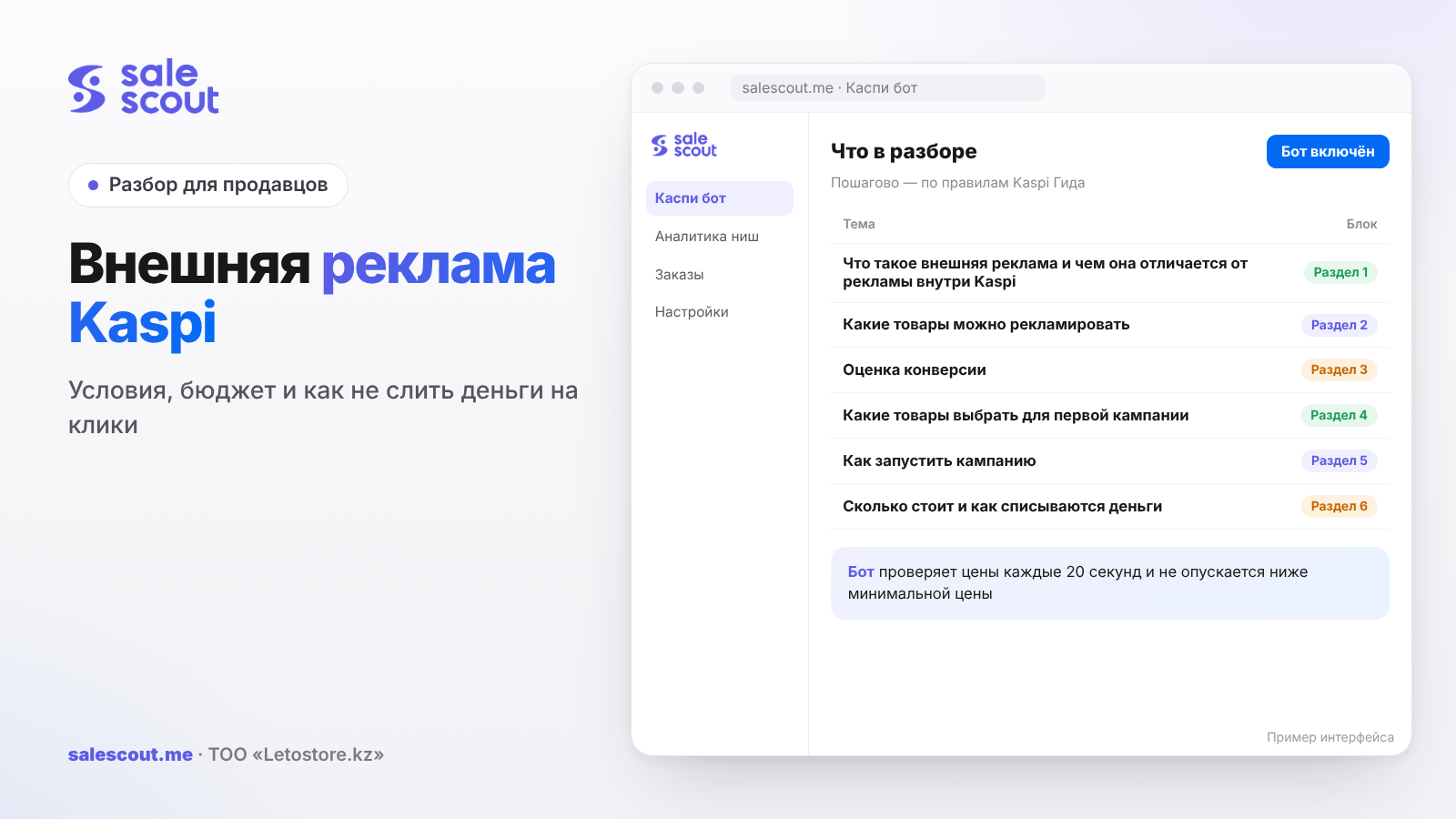
Kaspi external advertising promotes products from your store on Instagram, Facebook, Google and TikTok, and you launch it right inside Kaspi Pay: «Маркетинг» ("Marketing") → «Внешняя реклама» ("External advertising") → «Создать новую кампанию» ("Create a new campaign"). You pay only for clicks, that is, for visits to the product card, and the system picks the cost per click. The budget starts at 1,000 ₸ a day. But you can't run it on every product, and the strictest condition concerns price: it has to be almost level with the lowest price in the card.
In short
- Placements: posts, stories, reels and videos on Instagram and Facebook, Google search results, the TikTok feed.
- You pay for a visit to the product card. You can't set the cost per click by hand; you only control the daily budget.
- Your price must not exceed the lowest in the card by more than 3% or 3,000 ₸. The Guide's example: the lowest is 10,000 ₸, so yours can be at most 10,300 ₸.
- A conversion score of 7 or higher unlocks all placements; from 4 to 7, only Google.
- A buyer who arrives through the ad sees only you in the product card.
What external advertising is and how it differs from ads inside Kaspi
There are two different tools that sellers often confuse. Product advertising in the Magazin (Kaspi's marketplace) shows your product inside the Kaspi.kz app, and there you set the cost per click. It has its own article: Kaspi Marketing: cost per click. External advertising brings buyers in from outside: a person scrolls Instagram, sees your product and lands on the product card on Kaspi.kz.
Where people will see the ads
- Instagram and Facebook — posts, stories, reels and videos;
- Google — search results;
- TikTok — the feed.
Before launching, you can preview how the ad will look on each placement. It is shown across all of Kazakhstan; you can't choose a city. Buyers from other cities will receive the order by Kaspi Delivery or at a Kaspi Postomat.
The main advantage for the seller
If other sellers offer the product, a buyer who arrives through your ad will see only you in the product card (the single shared listing where all sellers of an item compete). Competitors priced a couple of hundred tenge lower drop out of that visit. For products with a crowded card, that's a strong argument.
Which products can be advertised
The Guide's requirements as of Jun 30, 2026 are:
- a conversion score of 4 or higher;
- a price above 3,000 ₸;
- a category that isn't banned: medicines, vitamins and dietary supplements, infant formula, alcohol, weapons and drugs, adult products, heated tobacco systems, cigarette cases, energy drinks (the list may change);
- a price no more than 3% or 3,000 ₸ above the lowest in the card;
- the product is listed for sale;
- the warehouse is connected to Kaspi Delivery;
- quality metrics at «Нормально» ("Normal") or higher.
The price rule: where people trip up most
This is the toughest condition on the list. The Guide gives an example: the lowest price is 10,000 ₸, so yours must be no more than 10,300 ₸. If you keep your price 5% above competitors because your delivery is faster, external advertising won't launch for that product.
For expensive products, where 3% is more than 3,000 ₸, the Guide doesn't say which of the two values applies. It's safer to go by the smaller one. For example, with a lowest price of 200,000 ₸, 3% is 6,000 ₸, but it's better to keep the gap within 3,000 ₸.
Warehouse and Kaspi Delivery
Without Kaspi Delivery connected, you can't launch the ads: buyers across the country have to be able to receive the product. How delivery works for sellers: Kaspi Delivery for sellers.
The conversion score decides the placements
The conversion score shows how often the product is bought within its category. It appears 30 days after the product is added to the Magazin, provided it has at least 2,000 views, and is updated once a day. You can see it in Kaspi Pay: «Маркетинг» ("Marketing") → «Реклама товаров в Магазине на Kaspi.kz» ("Product advertising in the Kaspi.kz Magazin") → «Обзор» ("Overview").
| Conversion score | What it means | Where external ads are shown |
|---|---|---|
| No score | Under 30 days or 2,000 views | Doesn't launch |
| Below 4 | Low | Doesn't launch |
| From 4 to 7 | Low | Google only |
| From 7 to 10 | High, only with a rating above 3 stars | Instagram, Facebook, Google, TikTok |
Why the score is low
Kaspi names specific reasons: fewer than 6 photos or poor-quality photos, a seasonal product out of season, a price or delivery worse than competitors', a product rating below 4 stars.
How to raise it
The Guide's recommendations: run a promotion with seller bonuses, upload good photos from different angles, add a detailed description, set a competitive price, extend the order cut-off for same-day delivery (if you have your own delivery) and work on reviews. On photography, see product photos for Kaspi; on reviews, how to get reviews on Kaspi.
Which products to pick for your first campaign
Don't load your whole range at once. For the first campaign, pick a few products that meet three criteria.
First, a conversion score of 7 or higher. These products reach all four placements, not just Google, and for the same money you get more different audiences.
Second, margin headroom. If after commission and tax a product keeps 5–10% of its price, any advertising will eat the profit. You need a product where the acceptable ad cost share is at least 15–20%; otherwise payback depends on luck.
Third, a stable price. If there's a price war in the card and the lowest price jumps several times a day, your product will keep passing and failing the 3% condition. It's better to start with a card where prices are calmer.
A handy trick is to split products into separate campaigns with clear names, for example by category. Then after two weeks you can see which group gives a healthy ad cost share and which one it's time to switch off. Run seasonal products in season: Kaspi says plainly that demand and the number of visits change at different times of year. More on seasons in seasonality of sales on Kaspi.
How to launch a campaign
A campaign can be launched by the head, the manager or the marketing manager.
- Kaspi Pay → «Маркетинг» ("Marketing") → «Внешняя реклама» ("External advertising") → «Создать новую кампанию» ("Create a new campaign").
- Add products. One campaign holds up to 20,000 products, and they can be uploaded with an Excel file of up to 10 MB.
- Give the campaign a clear name, by product or category, so you can find it later.
- Set the start and end dates. The minimum is 1 day; there's no maximum.
- Set a daily budget from 1,000 ₸.
- Press «Запустить кампанию» ("Launch campaign"). A launch message will arrive in the app.
You can have as many campaigns as you like. The name, status, end date, daily budget and product list can be changed at any time.
How long to keep a campaign running
Kaspi advises at least 7 days, and in another answer at least two weeks. During this time the platforms' algorithms learn, and the Guide doesn't recommend stopping a campaign earlier. It's too early to decide whether the ads work after the first two or three days.
What it costs and how money is debited
You pay only for clicks. The system picks the cost per click so the ads are effective within the budget, and you can't change it by hand. You only control the daily budget: a bigger budget means more frequent impressions.
How debits work
- No more than the daily budget is spent in a day. When the budget runs out, the campaign stops until the next day, but you can raise it and the ads will continue.
- Money is debited from the Kaspi Pay Account once a day for the previous day. A new advertising day starts at 00:00.
- After a campaign is paused or deleted, money for the last day is debited the next day at 09:00.
- If the account is short, the amount is debited when it is topped up, possibly in parts.
- In the statement the debit appears with the purpose «Оплата рекламных услуг» ("Payment for advertising services") and the period.
You can pause a campaign under «Мои кампании» ("My campaigns"): three dots → «Приостановить» ("Pause"). The budget stops being spent immediately.
The math: will the ads pay off
The main metric in the statistics is the ad cost share, ДРР (advertising spend as a share of revenue). Kaspi calculates it like this:
ДРР = advertising spend ÷ sales revenue × 100%
To understand what ДРР you can afford, calculate the margin before advertising:
Acceptable ДРР = (price − purchase cost − commission − tax) ÷ price × 100%
Hypothetical example, not a client case. A product at 12,000 ₸, purchase cost 7,000 ₸, commission 12.5% with VAT, an IP (individual entrepreneur) on the simplified regime at 4%. A budget of 5,000 ₸ a day for 7 days.
| Item | Value |
|---|---|
| Price | 12,000 ₸ |
| Commission 12.5% | 1,500 ₸ |
| Tax 4% | 480 ₸ |
| Purchase cost | 7,000 ₸ |
| Margin before advertising | 3,020 ₸ |
| Acceptable ДРР | 25.2% |
| Budget for 7 days | 35,000 ₸ |
| Orders to break even | 12 |
35,000 ÷ 3,020 ≈ 11.6, so you need 12 orders for the ads to pay off. If the ДРР in the statistics is above 25%, every advertised sale is at a loss. Check the commission rate for your category in Kaspi commission for sellers.
What counts as an order in the statistics
There's a trap here. Kaspi counts as ad orders: purchases, related orders (the customer came via the ad and within 14 days bought another product of yours in the same category) and cancelled orders. Cancellations make the ДРР in the statistics look better than it is in real money. You can export order numbers to Excel and check which of them reached «Выдан» ("Issued").
Statistics: what to check every day
Under «Маркетинг» ("Marketing") → «Внешняя реклама» ("External advertising") → «Обзор» ("Overview") you can see clicks, all orders (count and amount), spend and ДРР. Per campaign, look in «Мои кампании» ("My campaigns"), where each campaign has a status: active, limited by budget, pending, paused, ended, deleted.
Conversion
Kaspi suggests calculating conversion as the number of orders divided by the number of visits to the product card. If there are many clicks but few orders, the problem is the card or the price, not the ads. Fix those first, then increase the budget.
The «Ограничена бюджетом» ("Limited by budget") status
It means the daily budget runs out before the end of the day. If the ДРР is fine, you can raise the budget. If the ДРР is already borderline, it's better to leave it as it is and work on the card first.
Common mistakes in Kaspi external advertising
- Running ads on a product priced more than 3% above the lowest in the card and not understanding why the campaign won't be created.
- Waiting for Instagram impressions with a conversion score from 4 to 7, although such products only run on Google.
- Stopping a campaign after two days without letting the algorithms learn.
- Looking at the ДРР in the statistics and forgetting that cancelled orders are included.
- Setting a budget without calculating the acceptable ДРР.
- Running ads on a product with poor photos and a rating below 4 stars.
- Being surprised by a debit after a pause: the last day is debited the next morning at 09:00.
- Keeping the account at zero and building up an advertising debt that will be debited on top-up.
Checklist: before launching Kaspi external advertising
- Conversion score of 4 or higher, ideally 7 or higher.
- Price above 3,000 ₸ and no more than 3% above the lowest in the card.
- The category isn't on the banned list.
- The warehouse is connected to Kaspi Delivery.
- Quality metrics at «Нормально» ("Normal") or higher.
- The card has 6 or more good photos and a rating of at least 4 stars.
- The acceptable ДРР is calculated and the budget is set to match.
- The campaign is planned for at least 7 days.
- The account has money for the daily debits.
- Once a week you export orders and check them against «Выдан» ("Issued").
How to automate your price for the ad conditions
The condition "no more than 3% above the lowest price in the card" is easy to break when competitors change prices several times a day. The SaleScout Kaspi bot checks prices every 20 seconds, keeps you at the top of the product card and never drops below the minimum price you set. When a competitor raises their price or leaves the card, the bot raises your price to just below the next seller. In external advertising Kaspi picks the bid, while for ads inside Kaspi there is Kaspi Marketing AI, which manages bids by itself and is currently free with the bot. You can try the bot free for 7 days, no card required.
Frequently asked questions about Kaspi external advertising
What is Kaspi external advertising?
It promotes products from your store on Instagram, Facebook, Google and TikTok. You launch it in Kaspi Pay, and a buyer who clicks the ad lands on the product card on Kaspi.kz.
How much does Kaspi external advertising cost?
The minimum daily budget is 1,000 ₸. You are charged only for clicks, and the system picks the cost per click.
Why can't I add my product to external advertising?
Most often because the price is more than 3% above the lowest in the card or the conversion score is below 4. Also check the category, whether the warehouse is connected to Kaspi Delivery and your quality metrics.
Can I show ads only in my own city?
No, external advertising runs across all of Kazakhstan. Buyers from other cities will receive the order by Kaspi Delivery or at a Kaspi Postomat.
Why do my ads only run on Google?
It means the product's conversion score is between 4 and 7. Instagram, Facebook and TikTok get products with a score of 7 or higher.
Why was money debited after I stopped the campaign?
That's payment for the last day of running. After a campaign is paused or deleted, money for the previous day is debited the next day at 09:00.
Will a buyer from the ad see other sellers?
No. In the product card they'll see only the seller who launched the ad.
How do I know whether the ads pay off?
Compare the ДРР in the statistics with the acceptable ДРР, which equals your margin before advertising as a percentage of the price. If the ДРР is higher, the ads are running at a loss.
Sources
- Kaspi Guide. «Что такое внешняя реклама» (What is external advertising) — https://guide.kaspi.kz/partner/ru/marketing/external_advertising/q4272 (updated Feb 13, 2026); where the ads are shown — https://guide.kaspi.kz/partner/ru/marketing/external_advertising/q4276 (updated Feb 13, 2026)
- Kaspi Guide. How to launch external advertising — https://guide.kaspi.kz/partner/ru/marketing/external_advertising/q4273 (updated Feb 13, 2026)
- Kaspi Guide. Product requirements and launch conditions — https://guide.kaspi.kz/partner/ru/marketing/external_advertising/q4275 and https://guide.kaspi.kz/partner/ru/marketing/external_advertising/q4280 (updated Jun 30, 2026)
- Kaspi Guide. Recommendations and conversion — https://guide.kaspi.kz/partner/ru/marketing/external_advertising/q4277 (updated Jun 30, 2026); campaign period — https://guide.kaspi.kz/partner/ru/marketing/external_advertising/q4295 (updated Nov 28, 2025)
- Kaspi Guide. Cost and budget spending — https://guide.kaspi.kz/partner/ru/marketing/external_advertising/q4279 and https://guide.kaspi.kz/partner/ru/marketing/external_advertising/q4283 (updated Feb 13, 2026); cost per click — https://guide.kaspi.kz/partner/ru/marketing/external_advertising/q4287 (updated Feb 13, 2026)
- Kaspi Guide. Payment and debits — https://guide.kaspi.kz/partner/ru/marketing/external_advertising/q4293 (updated Nov 3, 2025); after a pause — https://guide.kaspi.kz/partner/ru/marketing/external_advertising/q5335 (updated Oct 31, 2025); when money is short — https://guide.kaspi.kz/partner/ru/marketing/external_advertising/q4301 (updated Feb 13, 2026)
- Kaspi Guide. Display city — https://guide.kaspi.kz/partner/ru/marketing/external_advertising/q4294; only your product in the card — https://guide.kaspi.kz/partner/ru/marketing/external_advertising/q4291 (updated Feb 13, 2026)
- Kaspi Guide. Conversion score — https://guide.kaspi.kz/partner/ru/marketing/external_advertising/q5341, reasons for a low score — https://guide.kaspi.kz/partner/ru/marketing/external_advertising/q5334, how to raise it — https://guide.kaspi.kz/partner/ru/marketing/external_advertising/q5340 (updated Jun 30, 2026); what affects visits — https://guide.kaspi.kz/partner/ru/marketing/external_advertising/q5101 (updated Jul 9, 2026)
- Kaspi Guide. ДРР (ad cost share) — https://guide.kaspi.kz/partner/ru/marketing/external_advertising/q5332 (updated Sep 29, 2025); which orders are counted — https://guide.kaspi.kz/partner/ru/marketing/external_advertising/q5333 (updated Mar 28, 2026)
- Kaspi Guide. Number of products and campaigns — https://guide.kaspi.kz/partner/ru/marketing/external_advertising/q5329 (updated Jan 15, 2025); statistics — https://guide.kaspi.kz/partner/ru/marketing/external_advertising/q4278 (updated Feb 13, 2026)
The sources are in Russian; original titles are given with English translations. All links checked Oct 26, 2026.
Bota, analyst
SaleScout is our company's product. Kaspi and Kaspi.kz are trademarks of Kaspi.kz JSC; SaleScout is not affiliated with Kaspi.