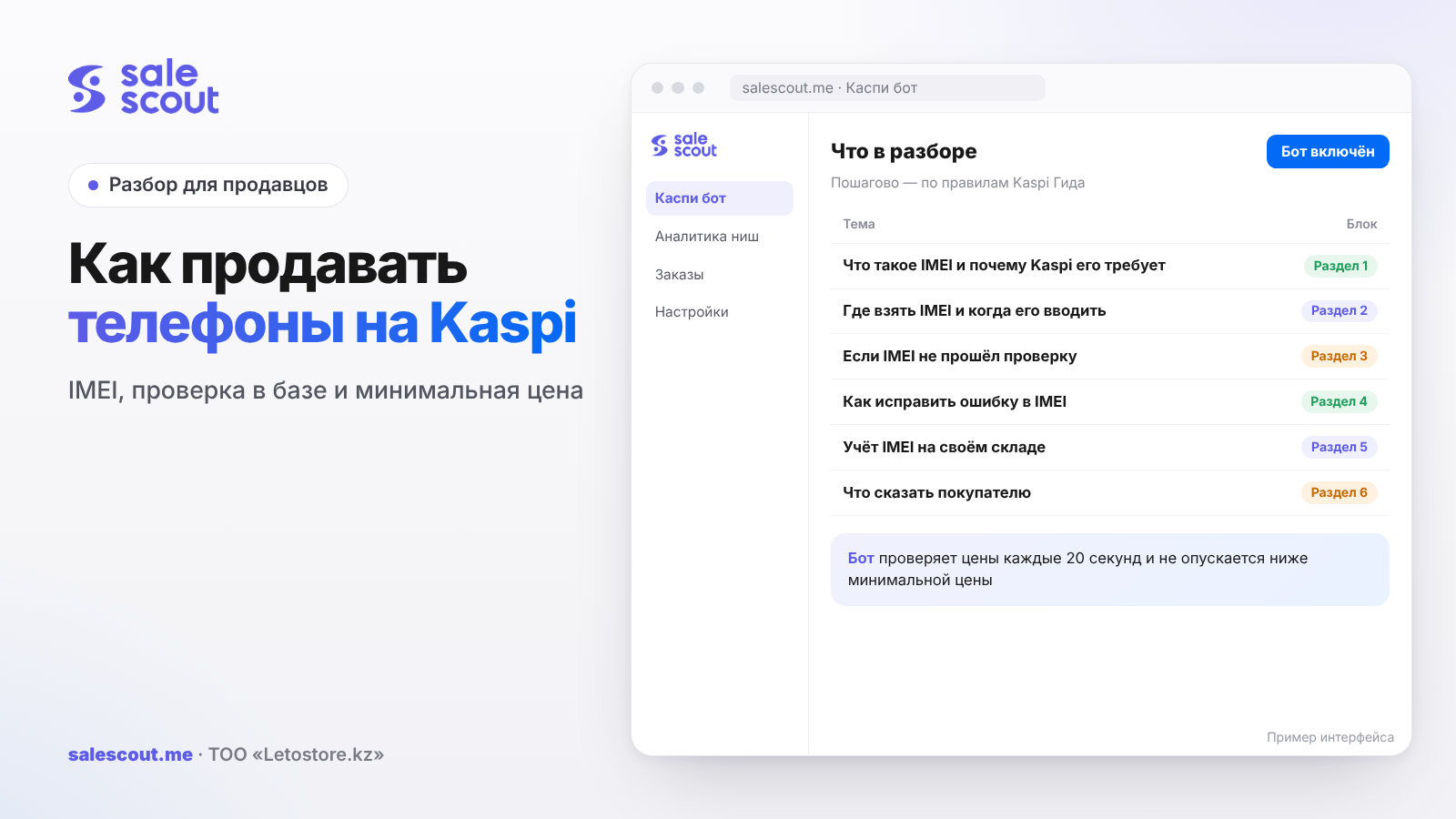
Phones sell on Kaspi.kz like any other product, with one extra step: when an order comes in, you type the IMEI from the box into it, and until you do, neither the courier nor the buyer gets the order. That is how the law has worked since May 25, 2025, and Kaspi itself checks the code against the МЦИРАП registry (the Ministry of Digital Development's database of registered devices). Below: where to get the code, when to enter it, what to do if the registry doesn't know it, and how much ends up going on commission.
In short
- The code goes into an order that has already arrived. The product card has no IMEI field, and that's normal.
- The МЦИРАП registry can't find the code? Call your supplier. If you brought the phones in yourself from the factory, you are the importer, and the verification request is yours to file.
- Typos are fixed with the «Изменить IMEI» ("Change IMEI") button. With Kaspi Delivery you have to do it before the waybill is created; after that it's too late.
- Smartphones in the 2026 Tariffs: 10.9% without VAT, 12.5% with VAT. Cases and screen protectors cost more — 15.5% with VAT.
- Two SIM slots or an eSIM means two codes on one device.
What IMEI is and why Kaspi requires it
IMEI is the number a mobile network uses to recognise a specific device. The Kaspi Guide (Kaspi's official help centre) describes it like this: 15 digits, where the first two indicate the country, the next six the brand and model, another six the serial number, and the last digit is a check digit. Each SIM slot has its own code, so a phone with two slots or an eSIM has two of them.
What the law says
The obligation appeared on May 25, 2025. The logic is simple: if the code is in the МЦИРАП registry, the phone or tablet was imported legally and local operators will let it on their networks. If the code isn't there, the buyer may end up with a nice handset and no signal, and you with a return and an angry review.
The rules themselves were approved by order No. 226 of May 23, 2018, «Об утверждении Правил регистрации абонентских устройств сотовой связи» ("On approving the Rules for registering cellular subscriber devices"). The link to the text is in the sources.
Which products this covers
The Guide talks about phones and tablets. Accessories — cases, cables, screen protectors — are not covered: they have no IMEI. For smartwatches with their own SIM, the Guide has no answer as of Oct 26, 2026. If a code field appears in the order, Kaspi expects one for that product too.
Where to get the IMEI and when to enter it
The code is printed on the phone's box. Kaspi advises entering it before packing if the order goes out via Kaspi Delivery, or before handover if the buyer picks it up. The field is in the order details in the seller cabinet.
The routine in the warehouse
- An order arrives. Take the specific box off the shelf that will go to the buyer.
- Enter the IMEI from that box in the order details.
- Make sure Kaspi accepted the code.
- Only then pack it and create the waybill.
The main mistake is entering the code from whichever box of the same model came to hand and then shipping a different one. The Guide explicitly asks you to check that the device you ship matches the code you entered.
If you work through the API
For stores that receive orders through the API, Kaspi has separate methods: sending the IMEI for an order line and requesting codes already entered. The warehouse scans the barcode on the box, the inventory system sends it to Kaspi, and the manager doesn't have to retype 15 digits by hand.
| Delivery method | Until when you can enter or fix the IMEI |
|---|---|
| Kaspi Delivery, Express | Until the waybill is created |
| Pickup | Until handover to the buyer |
| Own delivery | Until handover to the buyer |
| After handover | Only a check via the МЦИРАП service or eGov Mobile |
If the IMEI fails the check
This happens when a device was imported without registration or the supplier hasn't yet added the codes to the registry. In that case Kaspi advises contacting the supplier. If you buy directly from the manufacturer, you count as the importer and file the verification request yourself.
What to do before your next purchase
- Ask the supplier to confirm that the batch codes are in the registry before you pay, not after the first rejection.
- Check a few IMEIs from the batch through the subscriber-device verification service. The link to the information system is in the sources.
- Don't list a batch on Kaspi if even one code failed, until you find out why.
The risk of a "grey" phone
An order with an unverified code won't go to delivery. If you can't enter a working IMEI, the order has to be cancelled, and cancellations caused by the seller hurt your quality metrics. More on this in the article on what to do if your Kaspi store is blocked.
How to fix an IMEI mistake
The order has a «Изменить IMEI» ("Change IMEI") button. How long you have depends on the delivery method: with Kaspi Delivery and Express, until the waybill is created; with pickup and own delivery, until the item is handed to the buyer.
If the buyer already has the item
You can't change the code in the order after handover. Kaspi advises checking it via the МЦИРАП service or eGov Mobile. If the phone is registered and works, the question usually goes away. If a problem with the device comes up and the buyer files a return, the money for the order will be debited from your account. The process is described in the article returns on Kaspi for sellers.
How not to get the digits wrong
Typing fifteen digits by hand is a reliable way to swap two of them one day. An inexpensive barcode scanner almost eliminates the problem. No scanner? At least compare the last four digits with the box before you hit «Сохранить» ("Save"). By the way, the last digit of an IMEI is a check digit, so the system will usually catch an error in a single position by itself.
Keeping your own IMEI log
Kaspi stores the code in the order, but for disputes with suppliers and buyers it helps to keep your own log. It comes in handy when, a month later, a buyer writes that the handset can't find a network and you need to know exactly which box you shipped.
What to record
| Log field | Why you need it |
|---|---|
| Kaspi order number | Link to the statement and to any return |
| IMEI 1 and IMEI 2 | Two slots, including eSIM |
| Supplier and invoice number | Who to go to if a code isn't in the registry |
| Date the batch was received | When the codes were checked |
| Who packed it | Sorting out mistakes inside the team |
A spreadsheet in Excel or Google Sheets with these five columns covers most questions. If you use an inventory system, it usually already has an IMEI field in the card for serialised goods.
Receiving a batch
When a batch arrives, don't stop at counting the boxes. Scan the codes of the whole batch into the log straight away, while the boxes are on the table. That way you'll spot duplicates, mixed-up stickers and codes missing from the registry in advance, and settle it with the supplier before the first order comes in.
Splitting roles
When there are many orders, mistakes appear at the hand-off: one person picks the item, another packs it. Agree that the IMEI is entered by whoever is holding the box that will go to the buyer. This simple rule removes the most common mix-up.
What to tell the buyer
Phone buyers often ask in chat whether the handset will work in Kazakhstan. An honest answer goes like this: before shipping, the device code is checked against the МЦИРАП registry, and the order won't go out if the check fails. That answer settles the "grey import" question without making extra promises. How to reply quickly without losing orders is covered in the article chatting with buyers on Kaspi.
If the buyer wants to check the phone themselves after receiving it, point them to the МЦИРАП service and eGov Mobile, which the Kaspi Guide mentions. It takes a couple of minutes and heads off a dispute before it starts.
Commission and minimum price for phones
Under the Kaspi Magazin Tariffs for 2026, smartphones, mobile phones and smartwatches are charged 10.9% without VAT and 12.5% with VAT. Phone accessories — cases, cables, screen protectors — cost more: 13.5% without VAT and 15.5% with VAT. If you sell a phone and a case for it, calculate them separately. Rates in detail: Kaspi commission for sellers.
The minimum price formula
The minimum price is the level below which a sale stops making sense. For a phone it is calculated like this:
Minimum price = (purchase cost + delivery + packaging) ÷ (1 − commission − tax)
Hypothetical example, not a client case. We take an IP (individual entrepreneur) on the simplified declaration regime at a 4% rate, count commission with VAT, and set delivery and packaging roughly, for illustration.
| Item | Smartphone | Case |
|---|---|---|
| Purchase cost | 128,000 ₸ | 1,800 ₸ |
| Delivery and packaging (approx.) | 1,500 ₸ | 600 ₸ |
| Kaspi commission with VAT | 12.5% | 15.5% |
| Tax (simplified regime) | 4% | 4% |
| Minimum price | 155,090 ₸ | 2,981 ₸ |
| Commission at this price | 19,386 ₸ | 462 ₸ |
Smartphone: 129,500 ÷ (1 − 0.125 − 0.04) = 129,500 ÷ 0.835 ≈ 155,090 ₸. Case: 2,400 ÷ 0.805 ≈ 2,981 ₸. Note that on the case, the 3-percentage-point difference in commission eats a noticeable part of the markup.
Why price matters more for phones than anywhere else
The product card of a popular smartphone (the single shared listing where all sellers of an item compete) often has dozens of sellers offering the same item, and buyers choose by price and delivery time. The gap between first and fifth place is often very small. How the ranking works: how to get to the top of a Kaspi product card.
The smartphone card: what to check before the first order
Most smartphones on Kaspi already have a card, and the seller only needs to attach an offer to it. A mistake here is expensive: if you attach to a card with a different memory size or colour, the buyer gets something other than what they ordered and files a return. Check the model, memory, colour and version against the box, not against the name in the supplier's price list.
If there is no card, it is created under the general rules. The steps are in the article how to create a product card on Kaspi. For phones it is especially important to enter the specifications exactly as the manufacturer writes them: buyers filter results by memory and colour.
Before uploading stock, make sure the quantity in the cabinet matches the number of boxes whose codes passed the check. Then no order will land on a device you can't ship.
Special cases: Trade-in, pre-orders and Express
Trade-in
If the buyer hands in an old smartphone towards a new one, the rules for you as a seller are in a separate article: Trade-in on Kaspi for sellers.
Pre-orders
When a new model is still in transit, taking pre-orders is convenient. Keep in mind that you will still need the IMEI when the stock arrives and the order is being prepared for shipping. You can't enter the code while the box isn't in your warehouse.
Express delivery
With Kaspi Express there is little time to assemble the order, and the IMEI step is easy to skip. Keep the scanner next to the packing table. Timings and rules: Kaspi Express delivery for sellers.
Common mistakes when selling phones on Kaspi
- Entering the IMEI from one box and shipping another of the same model.
- Mixing up the codes of two devices of the same model when assembling several orders at once.
- Buying a batch without confirmation that the codes are in the МЦИРАП registry.
- Trying to fix the IMEI after the waybill is created instead of doing it before packing.
- Calculating the phone and its accessories at one commission rate, although cases cost 3 points more.
- Setting the minimum price without tax and delivery, then selling at a loss.
- Accepting Express orders when there's no scanner and nobody on packing.
Checklist: selling phones on Kaspi
- You have an email or message from the supplier confirming the batch codes are in the registry.
- You checked five to ten IMEIs from the batch yourself.
- The scanner lives where packing happens, not in the office.
- The new packer has heard the rule "code first, then the box goes in the bag".
- Your minimum price includes 12.5% commission, tax and delivery.
- Cases and screen protectors have a separate calculation at 15.5%.
- If you work through the API, the IMEI goes to Kaspi from your inventory system.
- Everyone in the warehouse knows until when a code can still be corrected.
- The IMEI log covers the whole batch, not only what has been sold.
How to automate phone prices
On a smartphone card the price changes constantly, and you can't keep up by hand. The SaleScout Kaspi bot checks prices every 20 seconds, keeps you at the top of the product card and never drops below the minimum price you set. When a competitor raises their price or leaves the card, the bot raises your price to just below the next seller. The bot supports pre-orders at no extra charge and also works with Halyk Market. You can try the bot free for 7 days, no card required.
Frequently asked questions about selling phones on Kaspi
When do you have to enter the IMEI on Kaspi?
As soon as the order arrives: before packing, or for pickup, while the buyer hasn't collected the box yet. Skip the step and the order simply won't move.
Where do I find a phone's IMEI?
The code is printed on the box. A phone with two SIM slots or an eSIM has two codes, one per slot.
What if the IMEI fails the check?
Contact your supplier: the batch codes may not have been added to the МЦИРАП registry. If you buy directly from the manufacturer, file the verification request yourself as the importer.
Can I change the IMEI after entering it?
Yes, with the «Изменить IMEI» button in the order. With Kaspi Delivery and Express you can do it until the waybill is created; with pickup and own delivery, until the item is handed over.
Do cases and headphones need an IMEI?
No. A case or headphones have no cellular module, so there's no code. The Guide describes the rule for phones and tablets.
What is Kaspi's commission on smartphones?
In the 2026 Tariffs, smartphones sit on the line "10.9% without VAT, 12.5% with VAT". For cases, cables and screen protectors the rate is higher — 15.5% with VAT — so it pays to calculate them separately.
Can the IMEI be sent through the API?
Yes. The orders API has an operation that writes the IMEI into an order line and a request that returns codes already written. Useful if your warehouse already scans boxes into the inventory system.
Sources
- Kaspi Guide. «Что такое IMEI» (What is IMEI) — https://guide.kaspi.kz/partner/ru/shop/orders/q4019 (updated Aug 26, 2026)
- Kaspi Guide. Why you must enter the IMEI — https://guide.kaspi.kz/partner/ru/shop/orders/q4013 (updated Aug 26, 2026); what happens without an IMEI — https://guide.kaspi.kz/partner/ru/shop/orders/q4020 (updated Aug 6, 2025)
- Kaspi Guide. Where to find and when to enter the IMEI — https://guide.kaspi.kz/partner/ru/shop/orders/q4021 (updated Aug 6, 2025)
- Kaspi Guide. The IMEI failed the check — https://guide.kaspi.kz/partner/ru/shop/orders/q4011 (updated Aug 26, 2026)
- Kaspi Guide. How to fix the IMEI — https://guide.kaspi.kz/partner/ru/shop/orders/q4022 (updated Aug 26, 2026)
- Kaspi Guide. API: sending the IMEI — https://guide.kaspi.kz/partner/ru/shop/api/orders/q4026 (updated Jun 10, 2025); getting the IMEI — https://guide.kaspi.kz/partner/ru/shop/api/orders/q4027 (updated May 30, 2025)
- Order of the acting Minister of Information and Communications of the Republic of Kazakhstan No. 226 of May 23, 2018, «Об утверждении Правил регистрации абонентских устройств сотовой связи» (On approving the Rules for registering cellular subscriber devices) — https://online.zakon.kz/Document/?doc_id=32989072 (version as of Nov 16, 2025)
- «ИС верификации абонентских устройств сотовой связи» (Information system for verifying cellular subscriber devices) — https://kz-imei.kz/
- «Тарифы Магазина на Kaspi.kz 2026» (Kaspi Magazin Tariffs 2026, PDF), section «Телефоны и гаджеты» (Phones and gadgets) — https://guide.kaspi.kz/cdn/content/pay/product/documents/Magazin/Tarify_Magazina_na_Kaspi_kz_2026.pdf
The sources are in Russian; original titles are given with English translations. All links checked Oct 26, 2026.
Bota, analyst
SaleScout is our company's product. Kaspi and Kaspi.kz are trademarks of Kaspi.kz JSC; SaleScout is not affiliated with Kaspi.