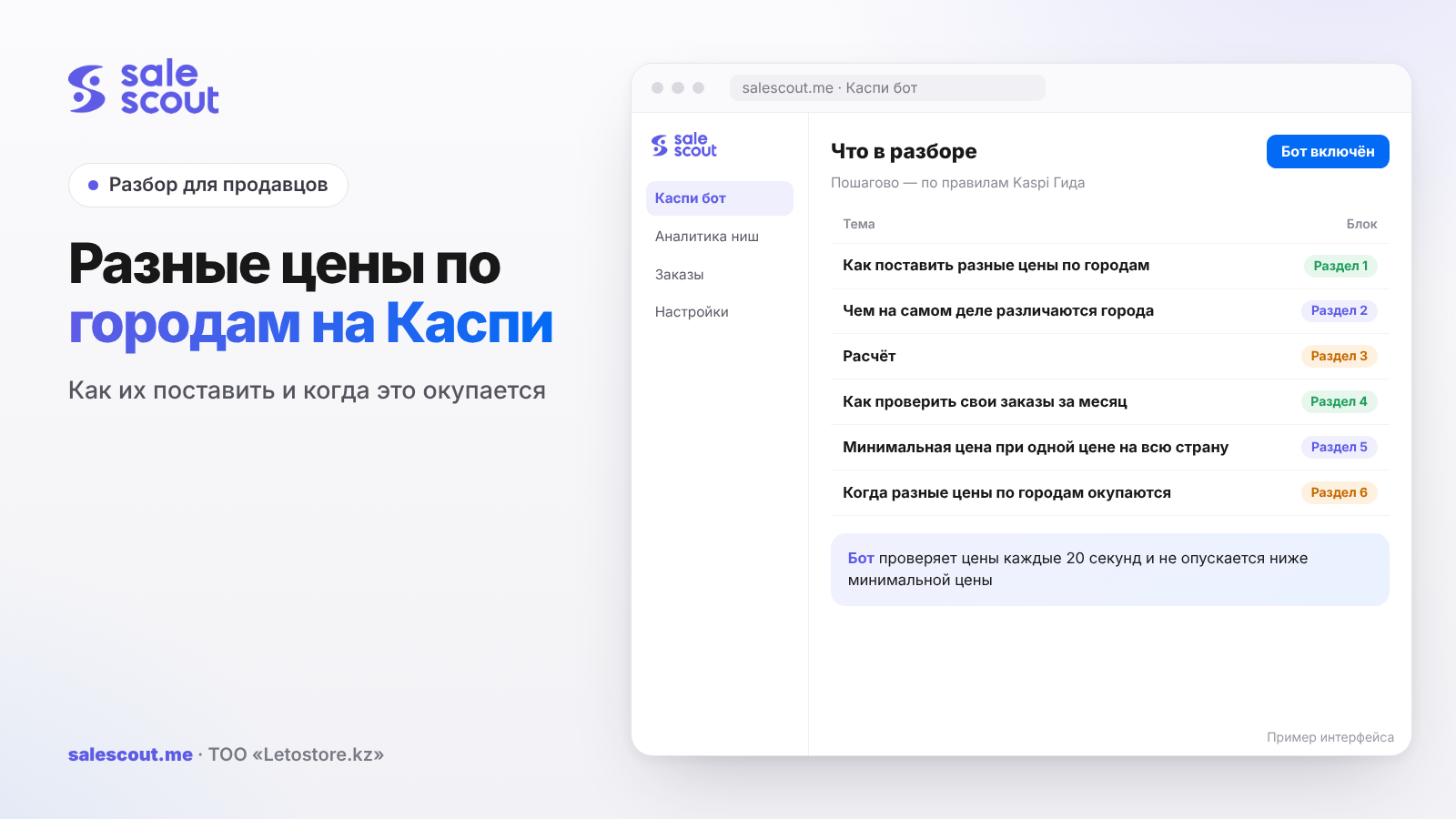
There are two ways to set different prices by city on Kaspi: in the product card, by unticking «Одна для всех городов» (One for all cities), or in an XML price list via the cityprices block. The price is tied to a warehouse, so different prices are only possible for warehouses in different cities. If you have one warehouse, you have one price for all of Kazakhstan, and you need to calculate it so that it covers the most expensive delivery to another city, not just orders in your own.
In short
- You change prices by city in the web cabinet (Товары → Управление товарами → «Изменить цену и остатки») or in XML. The Excel price list has no per-city prices.
- Warehouses in the same city get a shared price and a shared preorder term. For prices to differ, you need warehouses in different cities.
- Delivery to another city on the «Казахстан» (nationwide) tariff costs more than in-city delivery. For a light product the gap is pocket change; for a heavy one it can eat half the profit.
- With one price for the whole country, the minimum price is calculated from intercity delivery. Otherwise some of your orders go into the red, and you don't see it.
How to set different prices by city
In the seller cabinet
In the web version of the cabinet: Товары → Управление товарами, find the product, three dots → «Изменить цену и остатки». To set a different price for each city, untick «Одна для всех городов» and enter the price in the fields next to your store addresses (q2234, updated Sep 28, 2026). The price updates within 15 minutes.
Note the wording: the fields sit next to the addresses of your stores. So the price isn't set for any city you pick from a list, but for a city where you have a warehouse or outlet.
In an XML price list
In XML, different prices are set with the cityprices block: inside it go cityprice tags with a cityId attribute, one per city. If the price is the same everywhere or you sell in one city, you use the plain price tag. The price is written including VAT, with no spaces or decimals (q2962, updated Oct 24, 2025). Kaspi suggests getting city codes by sending a request to the Kaspi.kz Store API; the Guide's example uses 750000000 and 710000000.
The same page has the main restriction: different prices and preorder terms for different warehouses can only be set in XML, and the warehouses have to be in different cities. Warehouses in the same city share one price and one preorder term. The full XML setup is covered in the article how to upload a price list to Kaspi.
Why Excel won't work
The Excel price list can't be downloaded if you have different prices or preorder terms by city (q4025, updated Aug 8, 2025). As soon as you split prices, bulk edits go only through XML or one card at a time by hand.
What really differs between cities: delivery
The «Город» and «Казахстан» tariffs
Kaspi Delivery uses three tariffs: in-city, nationwide and Express (q2288, updated Jun 16, 2026). For orders up to 5,000 ₸, the tariffs are the same. The gap starts above that and grows with weight. Prices below include 16% VAT, which Kaspi adds when it charges you.
| Order | In-city | Nationwide | Difference |
|---|---|---|---|
| 5,000–10,000 ₸ | 811 ₸ | 927 ₸ | 116 ₸ |
| from 10,000 ₸, up to 5 kg | 1,275 ₸ | 1,507 ₸ | 232 ₸ |
| from 10,000 ₸, 15–30 kg | 2,667 ₸ | 4,175 ₸ | 1,508 ₸ |
| from 10,000 ₸, 30–60 kg | 3,363 ₸ | 6,553 ₸ | 3,190 ₸ |
Before VAT, these are 699 and 799 ₸, 1,099 and 1,299 ₸, 2,299 and 3,599 ₸, and 2,899 and 5,649 ₸ respectively. Conversion: tariff × 1.16. All the tariff tiers are covered in more detail in the article Kaspi Delivery for sellers.
Delivery times
On average, Kaspi Delivery takes 1 day in-city, two to three days to regional capitals, and 5–6 days to district centers (q2291, updated Jul 31, 2024). Timing matters as much as price: the top 3 in a product card always includes the seller with the fastest delivery, even if they lose on price and bonuses (q3190, updated Jun 15, 2026). A seller with a local warehouse has an edge that price can't beat.
The math: how much you lose on an order from another city
A heavy product
Hypothetical example, not a client case. A 20 kg product priced at 25,000 ₸, purchase cost 15,000 ₸. Commission of 12.5% including VAT (q1344, updated Jan 6, 2026); a sole proprietor (IE) on the simplified regime in Almaty, 3% (BES.media).
| Item | Order within Almaty | Order to Astana |
|---|---|---|
| Price | 25,000 ₸ | 25,000 ₸ |
| Purchase cost | 15,000 ₸ | 15,000 ₸ |
| Commission 12.5% | 3,125 ₸ | 3,125 ₸ |
| Tax 3% | 750 ₸ | 750 ₸ |
| Delivery | 2,667 ₸ | 4,175 ₸ |
| Profit | 3,458 ₸ | 1,950 ₸ |
Formula: profit = price − purchase cost − price × 0.125 − price × 0.03 − delivery. The same product at the same price earns 44% less in Astana. To make as much there as in Almaty, the price would need to be (3,458 + 15,000 + 4,175) ÷ 0.845 ≈ 26,785 ₸, i.e. 1,785 ₸ higher.
A light product
The same math for a 12,000 ₸ product weighing up to 5 kg with a 6,000 ₸ purchase cost: in-city profit is 2,865 ₸, to another city 2,633 ₸. The difference is 232 ₸, and the price for equal profit is about 12,275 ₸, just 275 ₸ higher. For that kind of money, splitting prices by city usually isn't worth it: more hassle than profit.
With one warehouse: average profit
When your only warehouse is in Almaty and orders come from all over the country, real profit depends on the share of out-of-town orders. For the heavy product in the example:
| Share of orders from other cities | Average profit per order |
|---|---|
| 0% | 3,458 ₸ |
| 30% | 3,006 ₸ |
| 50% | 2,704 ₸ |
| 70% | 2,402 ₸ |
Look at last month's orders and see what share went on the «Казахстан» tariff. Many sellers calculate margin on the in-city tariff and then wonder at month's end where the difference went.
How to check your own orders for the month
What to export
Before changing anything in your prices, look at your own numbers. You need three columns for every order from last month: the product, the buyer's city and the amount Kaspi charged for delivery. The city and delivery are visible in orders in the seller cabinet, and the final charges in the Kaspi Pay Account statement. If you have hundreds of orders, a sample of your ten best-selling products is enough: they bring in most of the profit.
What to calculate
For each product, add up profit separately for in-city and out-of-town orders. Two numbers then tell you everything. If the difference in average profit is under 300 ₸ and the out-of-town share is small, keep one price and get on with your work. If the difference is over a thousand and at least a quarter of orders are out of town, you have reason to raise your minimum price or think about a warehouse closer to your buyers. The 300 ₸ and thousand thresholds are arbitrary; plug in your own based on margin.
What the table doesn't show
The table won't show orders that never happened. If your product takes five days to reach Shymkent and a local seller can deliver tomorrow, buyers there simply pick them, and Shymkent barely shows up in your export. A low out-of-town share sometimes means not "I don't need this" but "I'm losing there on delivery time".
The minimum price with one price for the whole country
Formula
If the price is the same for all cities, the minimum price has to cover the most expensive route:
Minimum price = (purchase cost + nationwide delivery incl. VAT) ÷ (1 − commission − tax rate)
For the product in the example: on the in-city tariff (15,000 + 2,667) ÷ 0.845 ≈ 20,908 ₸; on the intercity tariff (15,000 + 4,175) ÷ 0.845 ≈ 22,692 ₸. The difference is 1,784 ₸. If you set a minimum price of 21,000 ₸ and a competitor pulls you down to it, every order to Astana at that price is a loss, even though Almaty is still fine. The general logic of the calculation is in the article how not to sell at a loss on Kaspi.
When not to calculate it this way
If almost all your orders are in-city and out-of-town ones are rare, you can keep the minimum price on the in-city tariff and accept the occasional losing order. The risk is that the out-of-town share creeps up unnoticed, especially once you climb to the top and buyers in other cities start seeing you. Review it once a month.
When different prices by city pay off
Three signs
- A heavy or bulky product. The delivery gap is thousands of tenge, and it shows up directly in profit.
- You already have a second warehouse or plan one. You can't set different prices without a warehouse in another city, and opening one for the sake of pricing is a separate calculation of rent and logistics, which we covered in the article warehouse and self-pickup on Kaspi.
- Different competition. In Almaty a card may have fifteen sellers, in another city three. Where it's crowded, keep the price near the minimum; where there's room, don't give away margin for nothing.
When it doesn't pay off
If the product is light and the delivery gap is two or three hundred tenge, separate prices add work and errors but barely any profit. If you have one warehouse, you can't set different prices; what's left is to calculate the minimum price correctly on intercity delivery.
What you must not do
The price must not depend on the payment method or include extra services; those are Kaspi's rules (q1066, updated Sep 12, 2025, and the rules, clauses 3.5 and 7.1, updated Sep 30, 2026). Any price gap between cities should come from your costs and the market, not from an attempt to charge separately for delivery.
Common mistakes with prices by city on Kaspi
- A minimum price on the in-city tariff when you get out-of-town orders. In our example that's a 1,784 ₸ gap, and every out-of-town order at the minimum price is a loss.
- Warehouses in the same city in the hope of different prices. Kaspi gives them a shared price. The time spent on setup is wasted.
- Manual per-city prices alongside an XML price list. The next file upload overwrites the manual edit. There should be one price source.
- Trying to go back to Excel after splitting prices. Excel becomes unavailable for download, and bulk updates have to be redone for XML.
- Different prices on a light product. A two-hundred-tenge delivery gap isn't worth double the work and the risk of a typo.
- A "delivery included" price for distant cities. If you build a separate service fee into it, that's already a breach of the rules on extra services.
- Forgetting about delivery time. Five days to a district center versus one day from a local seller, and you're out of the top 3 even with a good price.
Checklist: different prices by city on Kaspi
- You've exported the share of last month's orders on the «Казахстан» tariff.
- For each product group, you've calculated the in-city vs. nationwide delivery gap.
- For a single warehouse, the minimum price is calculated on the intercity tariff.
- If the profit gap is under a couple of hundred tenge, the price stays single.
- Different prices are set only for warehouses in different cities.
- There's one price source: the cabinet or XML, never both.
- In XML, each city has the correct cityId.
- Prices don't depend on the payment method and don't include service surcharges.
- The out-of-town order share is reviewed once a month.
How to automate prices by city on Kaspi
Holding the price near the minimum in every card by hand is hard, especially when competitors move in the evening. The SaleScout Kaspi bot checks prices every 20 seconds, keeps you at the top of the card and never goes below the minimum price you set. Set it with intercity delivery in mind, and out-of-town orders stop going into the red. When a competitor raises their price or leaves the card, the bot raises your price to just below the next seller. You can try the bot free for 7 days, no card required.
Frequently asked questions about different prices by city on Kaspi
How do I set different prices by city on Kaspi?
In the web cabinet: Товары → Управление товарами, three dots next to the product → «Изменить цену и остатки», untick «Одна для всех городов» and enter prices next to your store addresses. For bulk edits, use XML with the cityprices block.
Can I set different prices without a warehouse in another city?
According to Kaspi's instructions, the price is set next to your store addresses, and for warehouses in the same city it's shared. So without a warehouse in another city, you can't set a separate price for it.
Why did the Excel price list disappear after I set prices by city?
Excel is unavailable if you have different prices or preorder terms by city. XML is what's left for bulk updates.
How much more does delivery to another city cost?
It depends on the order amount and weight. For an order from 10,000 ₸ up to 5 kg the gap is 232 ₸ including VAT; for 15–30 kg it's already 1,508 ₸; for 30–60 kg, 3,190 ₸.
How do I calculate the minimum price with one warehouse?
Take the purchase cost, add delivery on the «Казахстан» tariff including VAT, and divide by (1 − commission − tax). That way the price covers even the most expensive route.
Does the warehouse city affect my place in the card?
The sorting rules don't mention city directly, but they do mention delivery time. Kaspi puts the seller who delivers fastest in the top 3, even with a higher price. And the fastest is usually whoever has a warehouse in the buyer's city.
Can I charge out-of-town buyers extra for delivery?
No, not as a separate line: the rules ban including extra services in the price. You build your long-distance delivery costs either into the price for a specific city, if you have a warehouse there, or into the minimum price, if you have one warehouse.
Sources
All links checked Oct 23, 2026. The sources are in Russian; original titles are given with English translations.
- Kaspi Guide for partners. «Как изменить цену товара, который я выставил на продажу…?» (How do I change the price of a product I've listed for sale?) — https://guide.kaspi.kz/partner/ru/shop/goods/edit/q2234 (updated Sep 28, 2026)
- Kaspi Guide. «Как загрузить прайс-лист на товары в Магазине на Kaspi.kz?» (How do I upload a price list for products in the Kaspi.kz Store?) — https://guide.kaspi.kz/partner/ru/shop/goods/price_list/q2962 (updated Oct 24, 2025); downloading the price list — https://guide.kaspi.kz/partner/ru/shop/goods/price_list/q4025 (updated Aug 8, 2025)
- Kaspi Guide. «Сколько стоит Kaspi Доставка?» (How much does Kaspi Delivery cost?) — https://guide.kaspi.kz/partner/ru/shop/delivery/shipping/q2288 (updated Jun 16, 2026); «Какие сроки у Kaspi Доставки?» (What are Kaspi Delivery times?) — https://guide.kaspi.kz/partner/ru/shop/delivery/shipping/q2291 (updated Jul 31, 2024)
- Kaspi Guide. «Как располагаются продавцы в карточке товара…?» (How are sellers ranked in a product card?) — https://guide.kaspi.kz/partner/ru/shop/goods/general/q3190 (updated Jun 15, 2026)
- Kaspi Guide for customers. «Почему на один и тот же товар… у продавцов разные цены?» (Why do sellers have different prices for the same product?) — https://guide.kaspi.kz/client/ru/shop/choice/q1066 (updated Sep 12, 2025)
- Kaspi Guide. Store rules — https://guide.kaspi.kz/partner/ru/shop/conditions/q1342 (updated Sep 30, 2026); commission — https://guide.kaspi.kz/partner/ru/shop/conditions/q1344 (updated Jan 6, 2026)
- Tax Code of the Republic of Kazakhstan, Article 503 «Ставки НДС» (VAT rates) — https://www.zakonpravo.kz/ru/statya-503-stavki-naloga-na-dobavlennuyu-stoimost-nalogovogo-kodeksa-respubliki-kazahstan
- BES.media. «В регионах Казахстана снизили налог по упрощёнке на 2026 год» (Simplified-regime tax cut in Kazakhstan's regions for 2026) — https://bes.media/news/v-regionah-kazahstana-snizili-nalog-po-uproshyonke-na-2026-god/
Bota, analyst
SaleScout is our company's product. Kaspi and Kaspi.kz are trademarks of Kaspi.kz JSC; SaleScout is not affiliated with Kaspi.