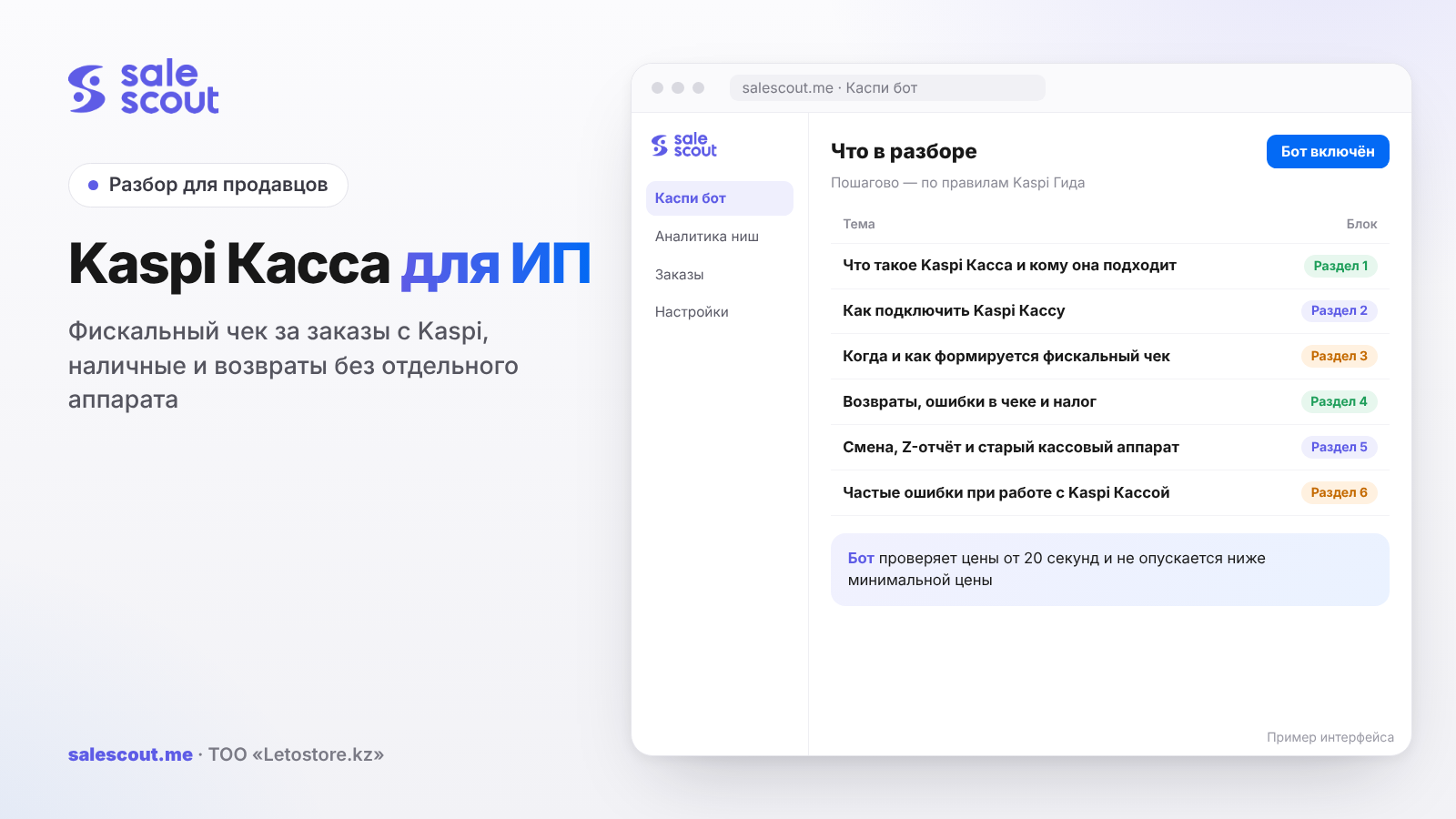
Kaspi Kassa is a free online cash register inside Kaspi Pay. It registers itself with Kaspi OFD (the fiscal data operator) and with the State Revenue Committee (КГД), and the fiscal receipt for an order in the Kaspi.kz Shop is created automatically when the order gets the «Выдан» (handed over) status. Cash and payments through another bank's POS terminal are also run through it, so a seller usually no longer needs a separate cash register. The Kaspi Pay sales commission doesn't change after you connect it.
In short
- Connection and servicing are free, and no documents are needed. The head, a «Управляющий» (manager) or a «Бухгалтер» (accountant) can connect it, but the head confirms an employee's request.
- The receipt for a Kaspi order appears by itself after the «Выдан» status. The customer finds it in Магазин → Мои заказы → Детали заказа.
- Kaspi Delivery doesn't need a separate fiscal receipt: it isn't fiscalized.
- A refund through Kaspi POS immediately sends a cancellation receipt to the tax office, and you don't pay tax on that amount.
- On the simplified regime, the point of sale connected to the cash register must be in the city where the sole proprietor is registered.
What Kaspi Kassa is and who it suits
How it works
Technically it's the same online cash register, just without a box on the counter. After connection, the register is automatically registered with Kaspi OFD and with the State Revenue Committee; the registration card can be downloaded in Kaspi Касса → О кассе (q2614, q3078, updated Aug 14, 2024). Data about every receipt goes to the tax office by itself (q2531, updated Aug 14, 2024).
Connection and servicing at Kaspi OFD are free (q3076, updated Aug 14, 2024). And yes, the Kaspi Pay sales commission doesn't change after connection (q2532, updated Aug 14, 2024). That's the first thing sellers ask about, and the answer here is simple.
Who can connect it
The cash register is available to companies that work with Kaspi Pay and accept payment by Kaspi QR, remotely, through Kaspi POS or in the Kaspi.kz Shop (q2335, updated Sep 10, 2025). In other words, almost any seller with a shop on Kaspi qualifies.
There's one caveat that's easy to miss. If you're on the simplified regime, the point of sale you connect to the register must be located in the city where the sole proprietor is registered (Article 163(4) of the Tax Code of Kazakhstan, linked in the same guide entry). Your sole proprietorship is registered in Karaganda, but the warehouse and pickup point are in Astana? Then it's better to sort out the registration with your accountant first and only then tap «Подключить» (connect).
How to connect Kaspi Kassa
No documents are needed (q2473, updated Sep 10, 2025). In the Kaspi Pay app, open Сервисы → Kaspi Касса, choose the point of sale and tap «Подключить бесплатную Kaspi Кассу», then follow the steps on screen (q2479, updated Sep 10, 2025).
The head, a «Управляющий» or a «Бухгалтер» can do this. If an employee sent the request, the head gets a message in Kaspi Pay, and nothing will work without their confirmation. Many sole proprietors get stuck right at this step: the accountant tapped the button, and the owner hasn't opened notifications for a week.
The register itself sends the point's geolocation to the State Revenue Committee (q4933, updated May 18, 2026). Check it in Сервисы → Kaspi Касса. If the point is in the wrong place on the map, fix it manually.
When and how the fiscal receipt is created
Orders in the Kaspi.kz Shop
The seller doesn't need to do anything here. The receipt is created automatically when the customer has received the product and the order in the cabinet has moved to «Выдан». The buyer sees it in the Kaspi.kz app: Магазин → Мои заказы → the order → «Детали заказа» (q2337, updated Sep 18, 2025).
The practical takeaway: while an order sits in «Передан на доставку» (handed to delivery) or «Ожидает выдачи» (awaiting pickup), there's no receipt. If you don't manually move pickup orders to «Выдан», you're not only delaying the payout but also the receipt.
Kaspi Delivery: two receipts
You don't need to issue a fiscal receipt for Kaspi Delivery; delivery isn't fiscalized (q3165, updated Aug 14, 2024). So the customer ends up with two documents: a fiscal receipt for the product from your register and a receipt for paying for delivery. If a buyer writes "I have two receipts, which one is right," both are. More on rates and timing is in the article on Kaspi Delivery for sellers.
Kaspi POS, QR and remote payment
When someone pays with Kaspi Gold, Red or Kredit through Kaspi POS, or remotely, the receipt goes straight to the customer's «Сообщения» (messages) in Kaspi.kz. If the buyer uses another bank's app, after payment tap «Отправить чек клиенту» (send receipt to customer) and let them scan the QR code, or enter their phone number. Invoices and payment links are covered in detail in the article on Kaspi Pay remote payment.
Cash and another bank's POS
Kaspi Kassa creates a receipt for any payment method: Kaspi QR, remote, other banks' cards, cash, the Kaspi.kz Shop and even another bank's POS (q2475, updated Aug 14, 2024). After connection, you don't need a separate cash register for cash and other banks' cards (q2530, updated Aug 14, 2024).
For cash, it's handy to keep track right in the POS. At the start of a shift you enter the opening balance: in the mobile POS that's Kaspi POS → Настройки → Работа с наличными → Внести (q3719, updated Nov 25, 2024). After that, each cash payment is added to the total automatically.
What the receipt must contain
Under Article 166(6) of the Tax Code, a receipt contains the company name, IIN or BIN, the address of the point of sale, the serial and registration number of the cash register, a QR code, the fiscal attribute, the OFD name, the receipt number, the date and time, the product name, unit price, quantity, unit of measurement, total cost and the VAT amount (q3829, updated Feb 25, 2025). Kaspi Kassa fills all of this in by itself.
Since January 1, 2026, product names are pulled from the National Product Catalog (НКТ) (q2484, updated Jan 1, 2026). A product is added to the register's catalog by its barcode. If it isn't in the National Product Catalog yet, the register gives a temporary code for 30 days, and during that time the product has to be registered in the catalog (q4343, updated Jan 1, 2026). There's no limit on the number of products in the register's catalog (q2949, updated Aug 14, 2024).
If a wholesale buyer or an LLP asks you to put their IIN or BIN on the receipt, you're obliged to do it; the buyer needs such receipts for expense accounting (Article 166(7) of the Tax Code, q3722, updated Nov 25, 2024).
Refunds, receipt errors and tax
Refund = cancellation receipt
When you process a refund in Kaspi POS, a purchase cancellation receipt automatically goes to the tax office. You don't need to pay tax on the refunded amount (q3420, updated Aug 14, 2024). For a remote refund the path is: История → Оплачено → the purchase → «Оформить возврат» → amount (q2488, updated Aug 14, 2024).
Refund deadlines depend on the payment method: one year for Kaspi QR, 90 days for any bank's card (q3830, updated Mar 13, 2026). How refunds on marketplace orders work on your side is covered in the article refunds on Kaspi for sellers.
An error in a receipt
A receipt that has already been issued can't be corrected. You refund the purchase and accept the payment again with a new receipt (q3827, updated May 22, 2025). That's annoying if the buyer has already left, so it's better to clean up the register's catalog in advance.
The math: what a forgotten refund costs
A hypothetical example, not a client case. A sole proprietor on the simplified regime at a 3% rate, one month of sales. For rates by city and what counts as income, see sole proprietor taxes on Kaspi in 2026.
| Item | Amount |
|---|---|
| Orders in the Kaspi.kz Shop (receipts after «Выдан») | 2,400,000 ₸ |
| Cash sales at the pickup point | 300,000 ₸ |
| Refunds processed through Kaspi POS | 150,000 ₸ |
| Income by receipts: 2,400,000 + 300,000 − 150,000 | 2,550,000 ₸ |
| Tax at 3% | 76,500 ₸ |
| Tax if refunds aren't recorded with a receipt: 2,700,000 × 3% | 81,000 ₸ |
| Overpayment for the month | 4,500 ₸ |
The formula is simple: overpayment = amount of unrecorded refunds × rate. 4,500 ₸ a month isn't a disaster. But this is what happens when a refund is handed back in cash "out of pocket" or by a transfer to Kaspi Gold, while in the register the sale stays a sale. Over a year that's 54,000 ₸, plus a gap between receipts and the bank statement that you'll have to explain later.
Shift, Z-report and the old cash register
Closing a shift
You don't have to close the shift manually: auto-close runs every day at 00:00. If you close it yourself, tap «Закрыть смену» in Kaspi Касса → the point → «X, Z-отчеты». If you forget, the shift closes 24 hours after it was opened. The Z-report is created immediately and is available to the head, the «Управляющий» and the «Бухгалтер» (q2487, updated Nov 25, 2024).
Old Z-reports are in Kaspi Касса → the point → О кассе → Ранее регистрированные кассы → Z-отчеты. The report shows amounts by payment method for the shift, and you can forward it to your accountant in a messenger (q2500, updated Jul 15, 2026).
Who sees what
The head views register operations in Kaspi Pay in the «Отчет по продажам» (sales report), while a cashier sees them only in «История» (q2337, updated Sep 18, 2025). For a small shop this is convenient: the person at the pickup point sees their receipts and can resend them, but doesn't see the monthly revenue.
If you have several points of sale, the register is connected to each one separately, and each point has its own Z-reports. Before the first month-end, agree with your accountant on how they want to receive them: as a batch on Friday or every evening. A small thing, but it's exactly why people end up hunting for a lost shift at the end of the quarter.
What to do with the old cash register
You can disconnect the old register if you're switching to Kaspi Kassa only. Kaspi says outright that this saves you money on OFD services for renting the device and fiscalizing receipts (q3419, updated Aug 14, 2024).
Calculate your own savings: add up how much goes to the fiscal data operator and for renting the device each month, and multiply by 12. If it's, say, 5,000 ₸ a month (a hypothetical figure; every OFD has its own price list), that comes to 60,000 ₸ a year. Don't rush to disconnect the old register mid-month: first make sure Kaspi Kassa works at all points and every cashier knows where the «Отправить чек клиенту» button is.
Labeled goods
If you sell goods that carry mandatory labeling at a point of sale, the labeling code has to be scanned. Through Kaspi Kassa this is only done on a Smart POS, and the data goes to the OFD together with the receipt (q4808, updated Mar 10, 2026). Labeling rules for the marketplace are described separately in the article on product labeling for Kaspi.
Disconnecting
Only the head can disconnect Kaspi Kassa: Kaspi Касса → the point → «О кассе» → «Отключить Kaspi Кассу». It is deregistered from the State Revenue Committee automatically, and the service works around the clock (q2663, updated May 23, 2025).
Common mistakes with Kaspi Kassa
The wrong point of sale was connected. On the simplified regime, the point must be in the city where the sole proprietor is registered. Otherwise the problems will surface at the tax office, not in the app.
The accountant sent the request, the head didn't confirm it. The register doesn't work, but everyone thinks it does. Check the status in Сервисы → Kaspi Касса.
Pickup orders aren't moved to «Выдан» for weeks. No receipt is created, the payout doesn't come, and the customer doesn't see a receipt.
Cash still goes through the old register, while Kaspi orders go through Kaspi Kassa. Two registers, two OFDs, two sets of Z-reports. And confusion for the accountant at the end of the quarter.
The "out of pocket" refund. The money was returned by a card transfer, but the sale wasn't cancelled in the register. You'll pay tax on that money.
Another classic is trying to correct a receipt. It can't be edited; you can only refund the purchase and run it again. If you don't know this in advance, the buyer stands at the counter for an extra ten minutes.
The temporary National Product Catalog code stays temporary. After 30 days the register will ask for a valid barcode. It's better to register the product in the catalog right away, not on the day the cashier can't complete a sale.
Checklist: Kaspi Kassa without surprises
- The point of sale is in the city where the sole proprietor is registered, if you're on the simplified regime.
- The register is connected, and the head has confirmed the request.
- The point's geolocation in Сервисы → Kaspi Касса matches the real address.
- Products in the register's catalog are added by barcode, and temporary catalog codes are under control.
- You move pickup and self-delivered orders to «Выдан» on time.
- Cashiers know where «Отправить чек клиенту» is for buyers with another bank.
- Refunds are processed through Kaspi POS, not by a transfer "to the card."
- Z-reports go to the accountant once a week.
- The old register is disconnected only after Kaspi Kassa works at all points.
How to automate pricing while the register handles receipts
Kaspi Kassa takes care of receipts, but it doesn't tell you what price you're selling at or how much is left from it. The SaleScout Kaspi bot checks prices at intervals from 20 seconds, keeps you at the top of the product card and never goes below the minimum price you set. When a competitor raises their price or leaves the card, the bot raises your price to just below the next seller. You can try the bot free for 7 days, no card required.
Frequently asked questions about Kaspi Kassa for sole proprietors
How much does Kaspi Kassa cost?
Nothing: connection and servicing at Kaspi OFD are free. The Kaspi Pay sales commission stays the same after you connect it.
Do I need a cash register if I have Kaspi Kassa?
No. Through Kaspi Kassa you can issue a receipt for cash, for other banks' cards and even for a payment through another bank's POS. You can disconnect the old device and save on OFD services.
When is the fiscal receipt for a Kaspi.kz order created?
Automatically, once the customer has picked up the product and the order has moved to the «Выдан» status. The buyer will find the receipt in Магазин → Мои заказы → «Детали заказа».
Do I need to issue a receipt for Kaspi Delivery?
No, delivery isn't fiscalized. The customer will get two documents: your fiscal receipt for the product and a receipt for paying for delivery.
Do I pay tax on a refunded amount?
If the refund is processed in Kaspi POS, no: the cancellation receipt goes to the tax office automatically. A refund by card transfer that bypasses the register, though, leaves the sale in your reports.
Can I connect Kaspi Kassa in another city?
On the simplified regime, the connected point must be in the city where the sole proprietor is registered; that's what Article 163(4) of the Tax Code requires. On other regimes, it's better to check this with your accountant before connecting.
How do I fix an error in a fiscal receipt?
A receipt can't be edited. You refund the purchase and accept the payment again, this time with the correct receipt.
Sources
All links checked Oct 24, 2026. The sources are in Russian; section names are given in English.
- Kaspi Guide. Kaspi Kassa terms — https://guide.kaspi.kz/partner/ru/cashier/conditions/q2471, https://guide.kaspi.kz/partner/ru/cashier/conditions/q2475, https://guide.kaspi.kz/partner/ru/cashier/conditions/q2530, https://guide.kaspi.kz/partner/ru/cashier/conditions/q2531, https://guide.kaspi.kz/partner/ru/cashier/conditions/q2614, https://guide.kaspi.kz/partner/ru/cashier/conditions/q3076, https://guide.kaspi.kz/partner/ru/cashier/conditions/q3078 (all updated Aug 14, 2024)
- Kaspi Guide. Connection — https://guide.kaspi.kz/partner/ru/cashier/connection/q2335 (updated Sep 10, 2025), https://guide.kaspi.kz/partner/ru/cashier/connection/q2473 (updated Sep 10, 2025), https://guide.kaspi.kz/partner/ru/cashier/connection/q2479 (updated Sep 10, 2025), https://guide.kaspi.kz/partner/ru/cashier/connection/q2532 (updated Aug 14, 2024), https://guide.kaspi.kz/partner/ru/cashier/connection/q3419 (updated Aug 14, 2024); disconnection — https://guide.kaspi.kz/partner/ru/cashier/conditions/q2663 (updated May 23, 2025); geolocation — https://guide.kaspi.kz/partner/ru/cashier/conditions/q4933 (updated May 18, 2026)
- Kaspi Guide. Receipts — https://guide.kaspi.kz/partner/ru/cashier/payments/q2337 (updated Sep 18, 2025), https://guide.kaspi.kz/partner/ru/cashier/payments/q3165 (updated Aug 14, 2024), https://guide.kaspi.kz/partner/ru/cashier/payments/q3829 (updated Feb 25, 2025), https://guide.kaspi.kz/partner/ru/cashier/payments/q3722 (updated Nov 25, 2024), https://guide.kaspi.kz/partner/ru/cashier/payments/q3827 (updated May 22, 2025), https://guide.kaspi.kz/partner/ru/cashier/payments/q2484 (updated Jan 1, 2026), https://guide.kaspi.kz/partner/ru/cashier/payments/q3719 (updated Nov 25, 2024), https://guide.kaspi.kz/partner/ru/cashier/payments/q4808 (updated Mar 10, 2026)
- Kaspi Guide. Catalog and National Product Catalog — https://guide.kaspi.kz/partner/ru/cashier/catalog/q4343 (updated Jan 1, 2026), https://guide.kaspi.kz/partner/ru/cashier/catalog/q2949 (updated Aug 14, 2024)
- Kaspi Guide. Refunds — https://guide.kaspi.kz/partner/ru/cashier/refund/q3420 (updated Aug 14, 2024), https://guide.kaspi.kz/partner/ru/cashier/refund/q2488 (updated Aug 14, 2024), https://guide.kaspi.kz/partner/ru/cashier/refund/q3830 (updated Mar 13, 2026)
- Kaspi Guide. Shifts and reports — https://guide.kaspi.kz/partner/ru/cashier/report/q2487 (updated Nov 25, 2024), https://guide.kaspi.kz/partner/ru/cashier/report/q2500 (updated Jul 15, 2026)
- Simplified-regime rates by city — Kaspi Guide https://guide.kaspi.kz/partner/ru/tax/report/general/q5143 (updated Jul 23, 2026) and the article sole proprietor taxes on Kaspi in 2026
Bota, analyst
SaleScout is our company's product. Kaspi and Kaspi.kz are trademarks of Kaspi.kz JSC; SaleScout is not affiliated with Kaspi.